How can we help?
Find quick answers below, or send us a note and we'll get back to you soon.
Follow these 5 simple steps to join the next live Bible Mongoose quiz.
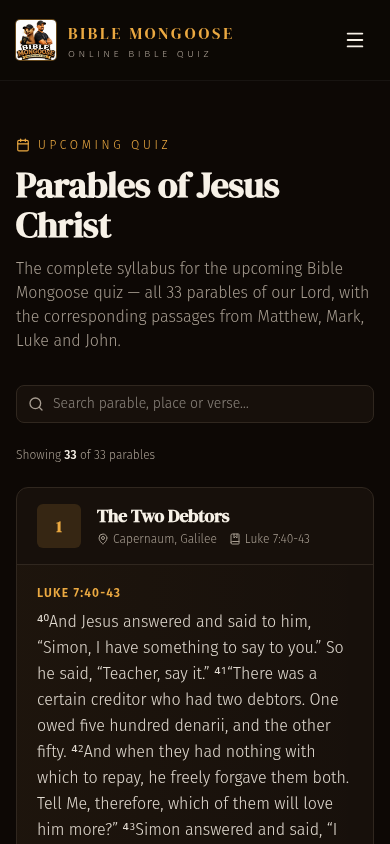
- 1Check the syllabus
Open the Syllabus page to see which parables and passages the next quiz will cover, so you can prepare ahead of time.
- 2Create your account
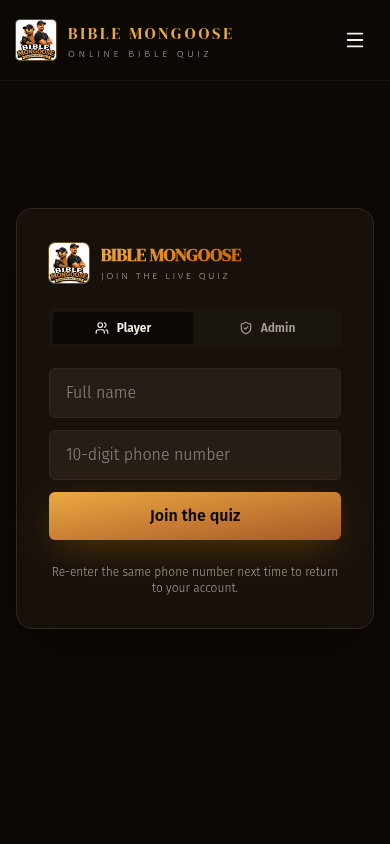
Tap Sign in / Create account, enter your name and a 10-digit mobile number. Each mobile number can only be used once.
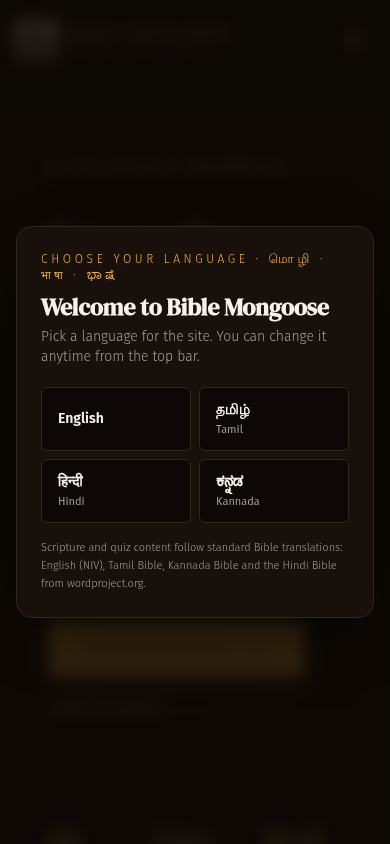
- 3Pick your language
Use the language selector at the top of the screen to choose English, Tamil, Hindi or Kannada. Quiz questions and the syllabus will appear in your language.
- 4Join the Live Quiz
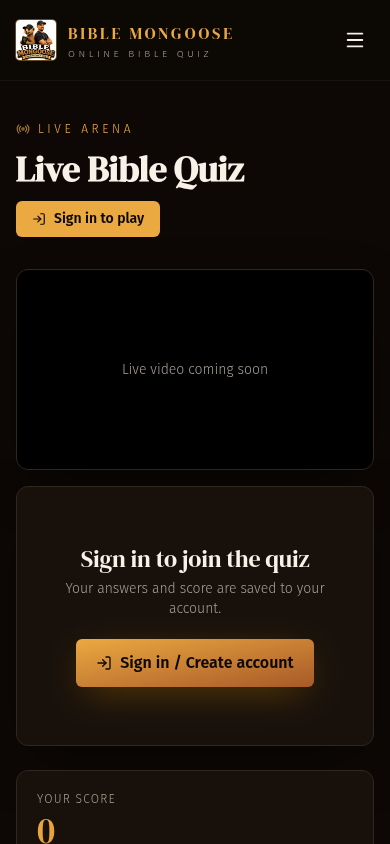
When it is quiz time, tap Live Quiz in the menu. You will see the live video and the host will push each question to your screen.
- 5Answer fast & climb the leaderboard
Tap the answer you think is correct before the timer runs out. Faster correct answers earn more points. The final leaderboard is shown when the host ends the quiz.